Professional image editing.
With AI that runs on your computer.
Chromatelier brings together layers, masks, RAW development, typography, vectors and video with AI tools that replace skies, remove distractions and retouch portraits – locally, fast and with no subscription.
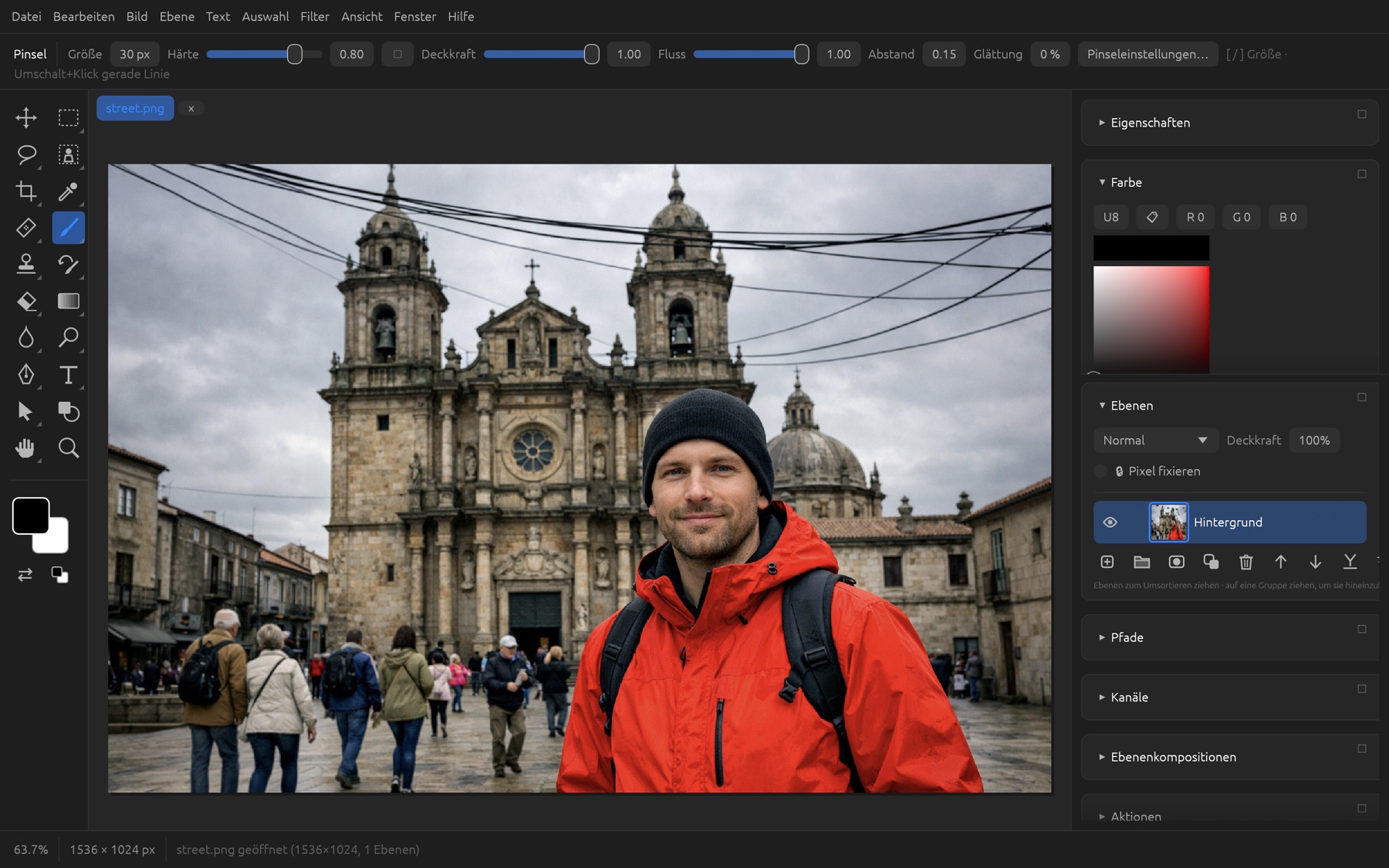
Brushes, selection, retouching, type, vectors
all also as smart filters and adjustment layers
run on your computer, no upload
macOS, Windows and Linux, Intel & ARM
Work that used to take an afternoon.
Now it's one click.
Eight specialized models recognize subjects, faces, people, hair, clothing, depth and sky – right on your computer. If you like, a generative image model adds content, using your own API key.
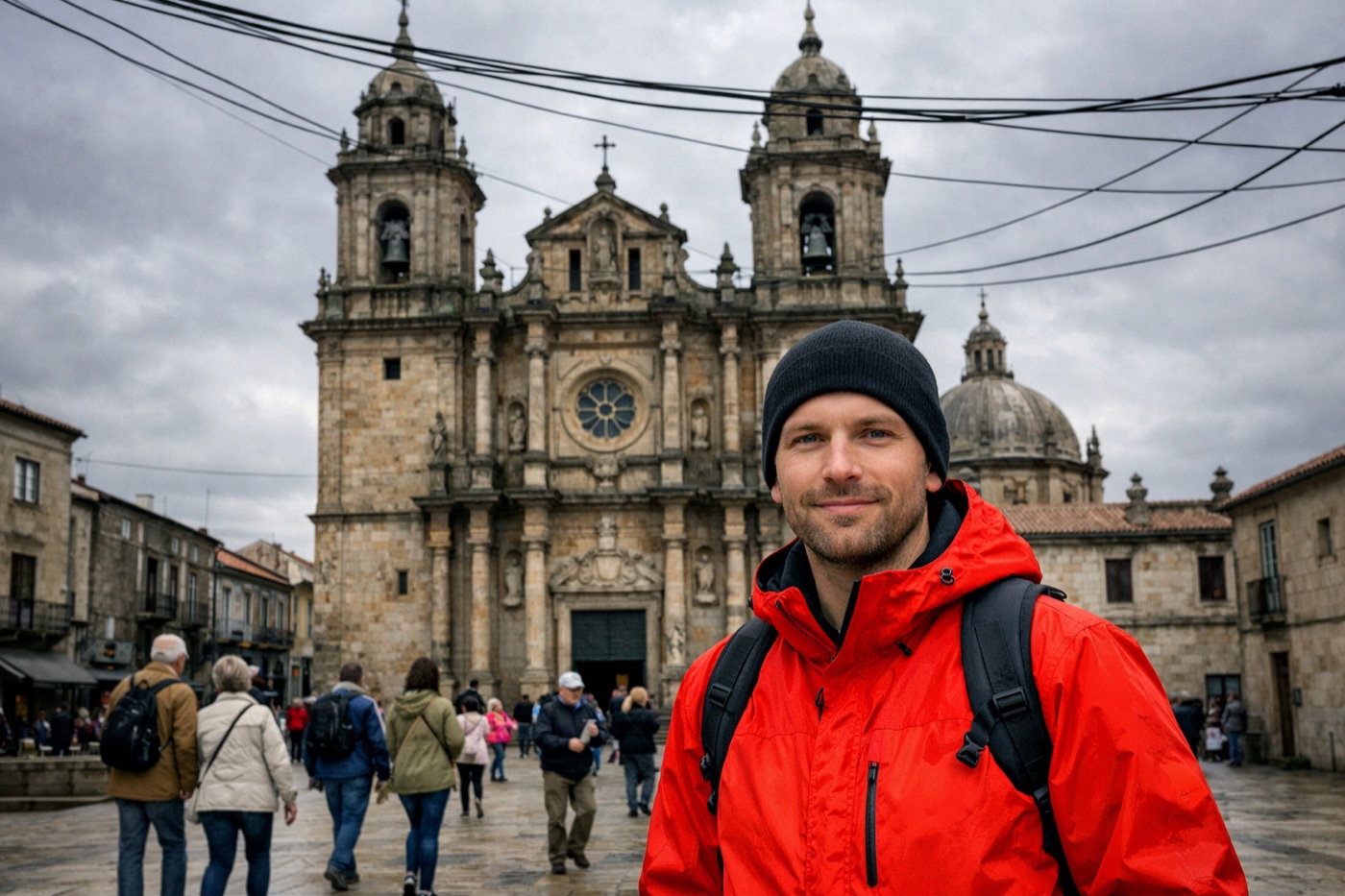
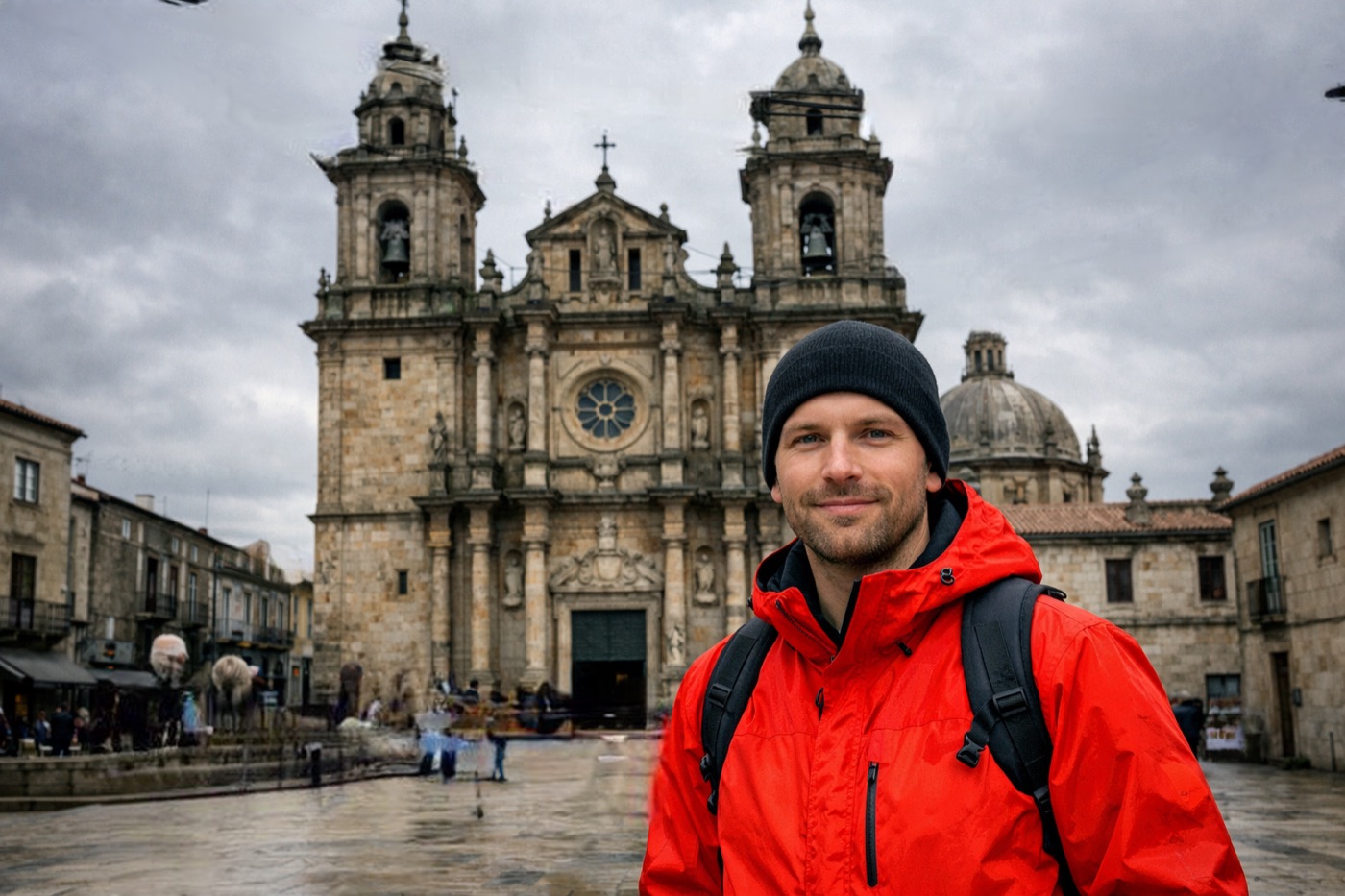
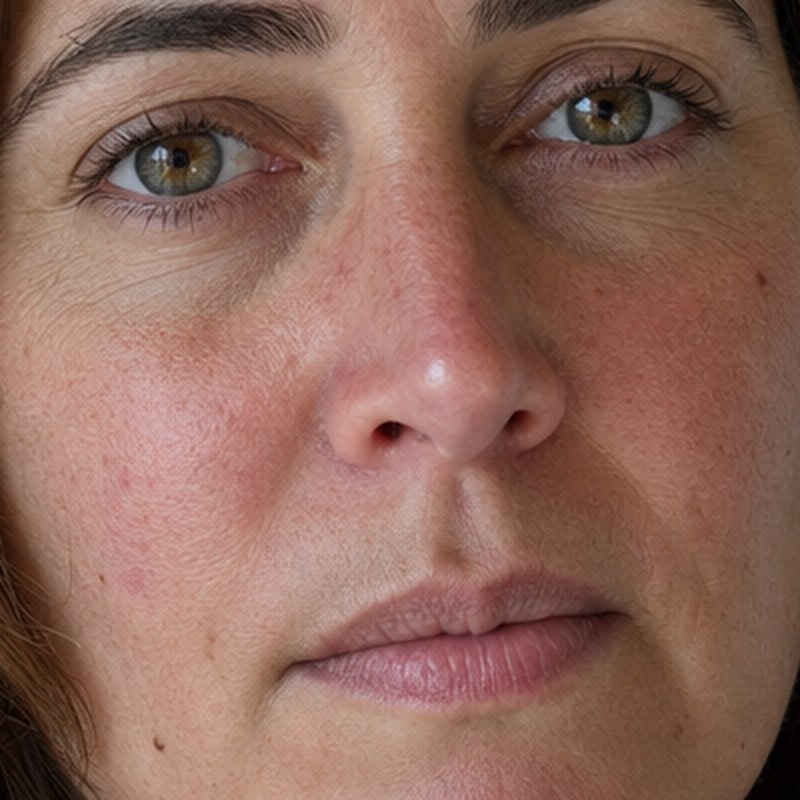
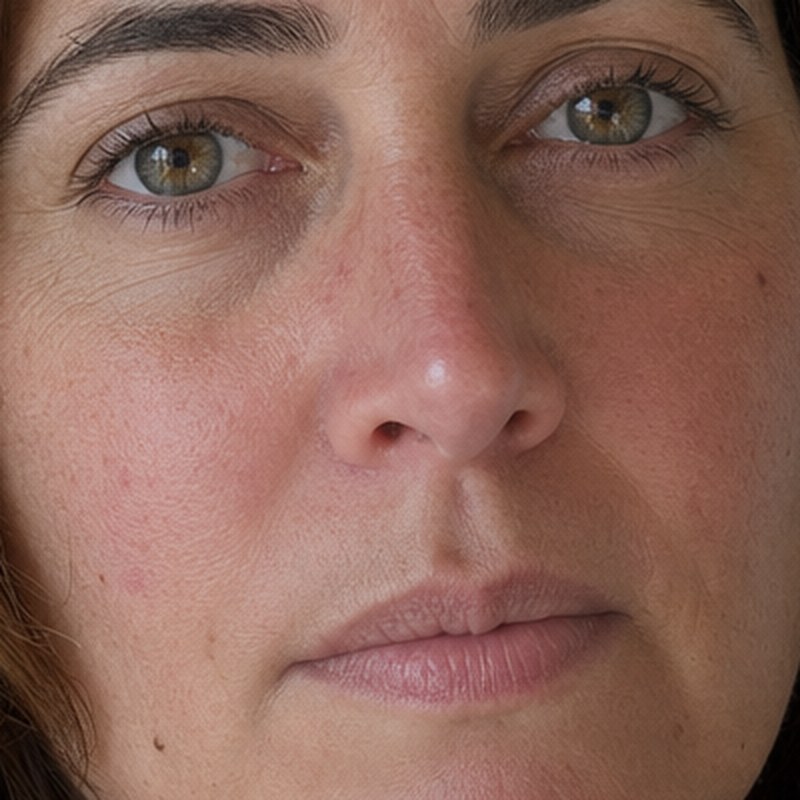
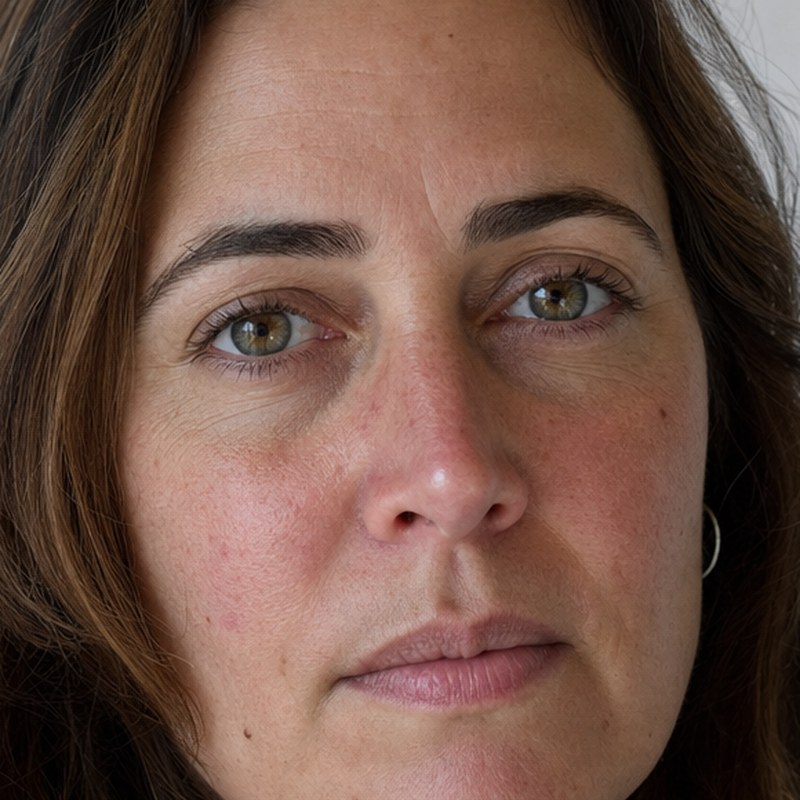
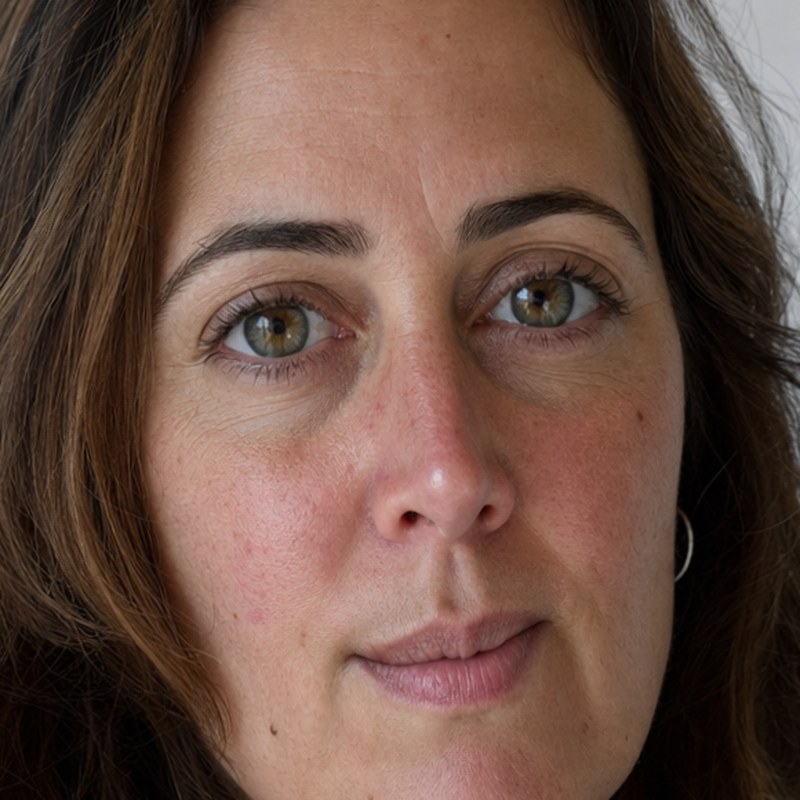
The AI sees what's in the picture
- Select subject and sky with one click
- Select People – hair, skin, clothing, accessories
- Object Finder: objects under the pointer get outlined
- Remove Background as a layer mask
- Depth Map for realistic blur
- Match Font: which typeface is in the picture?
Clean up, rescue, beautify
- Remove tool: paint over it, it's gone
- Find Distractions: passersby, wires, cables
- Photo Restoration: scratches, dust, noise, contrast
- Remove JPEG artifacts and image noise
- Super Resolution: enlarge pictures 2× or 4×
- Color Transfer and Harmonize for layers
Generative, with your own key
- Generative Fill and Generative Remove in selections
- Generative Expand beyond the edge of the picture
- New backgrounds or whole pictures from text
- Match placed objects to light and color
- Colorize, Style Transfer, Makeup Transfer
- Landscape Mixer: change season and weather
- Generative Workspace with gallery and variations
The local models are downloaded and verified once, the first time you use them; after that Chromatelier works completely offline. Generative features use OpenAI's image model with your own API key – your pictures only leave your computer when you start one of these features.
Everything a professional digital darkroom needs
From the first RAW development to the finished poster: Chromatelier works non-destructively, with 8, 16 and 32 bits per channel and real color management.
Layers & masks
Work non-destructively, change anything anytime.
- Layers, groups, clipping masks, 27 blend modes
- Layer and vector masks, Blending Options
- Adjustment and fill layers
- Smart objects with smart filters
- Layer styles: shadow, glow, stroke, overlays
- Layer Comps and artboards
Selections
Precise selections, even around hair.
- Rectangle, ellipse, lasso, polygon, magnetic
- Quick Selection, Magic Wand, Object Selection
- Color Range, Focus Area, subject, sky
- Select and Mask with edge refinement
- Quick Mask and alpha channels
Painting & retouching
Brushes with pressure sensitivity and texture.
- Brush, Mixer Brush, Art History Brush
- Clone Stamp, Healing Brush, Patch
- Content-Aware Fill and Content-Aware Move
- Liquify, Puppet Warp, Vanishing Point
- Adjustment Brush: paint adjustments in
- Load brush presets in ABR format
Typography
Type that looks typeset.
- Point and paragraph text, type on a path
- OpenType: ligatures, small caps, stylistic sets
- Variable fonts and the Glyphs panel
- Hyphenation in 7 languages
- Multi-line paragraph composer
- Warp Text, paragraph and character styles
Vectors & shapes
Crisp at any size.
- Pen, Freeform Pen and Curvature Pen
- Shape layers with live properties
- Paths panel, path operations
- Open and place SVG and PDF
- Export as SVG and as .ai paths
Filters & adjustments
More than 100 filters, with live preview.
- Levels, Curves, Hue/Saturation
- Blur Gallery: Iris, Tilt-Shift, Path, Field
- Lens Correction with Lensfun profiles
- Live gradients right on the canvas
- Fade the last step
- Formula filters with their own editor
RAW development
Get the most out of every camera.
- RAW files from all common camera makers
- Exposure, white balance, detail, HSL
- AI masks for subject, sky, background
- Presets, including your own
- Lens profile picked automatically from the image data
- HDR merge and panoramas
Video & animation
Moving pictures, same tools.
- Video layers and the Video Timeline
- Keyframes for position and opacity
- Audio tracks with fades and volume
- Export as MOV/MP4 or image sequences
Color & print
True color from monitor to print shop.
- RGB, CMYK, Lab, Grayscale, Duotone, Multichannel
- 8, 16 and 32 bits per channel (HDR)
- ICC profiles, soft proofing, Gamut Warning
- Spot colors and Trap
- Print-ready PDF with color management
File formats
Opens what you have. Saves what you need.
- PSD and PSB with layers, masks, styles, text
- JPEG, PNG, layered TIFF, WebP, HEIC, GIF
- RAW, DICOM, SVG, PDF, HDR
- PDF with embedded layers
- Export for web, layers and artboards to files
- Content Credentials (C2PA): provenance and AI use, signed
Automation
Set it up once, apply it a thousand times.
- Record and play back actions
- Batch and Image Processor
- Scripts in JavaScript (.jsx) and Rhai
- Variables and Data Sets
- Contact Sheet and PDF Presentation
Workspace
Your tools, the way you want them.
- Workspaces, freely arranged panels
- Customizable keyboard shortcuts
- Rotate View, rulers, guides, grid
- Automatic recovery after a crash
- English, German, French, Spanish
The manual covers all tools, menus and AI features – with step-by-step guides and screenshots.
Let your AI assistant edit your pictures
Chromatelier is an MCP server. Assistants like Claude Code or Claude Desktop open pictures, apply filters, crop, set type and save – and see the result for themselves.
- 24 tools, resources and ready-made workflows – documents, layers, selections, filters, every menu command, scripts
- In the open window – watch live what the assistant does and step in anytime
- Or without a window – for batch jobs in the background
- Only on your computer – with an access token, no outside connections
Download Chromatelier
Current version , released – for macOS, Windows and Linux.
New in this version:
Licenses of the included components: in the app under Help › Third-Party Licenses and as THIRD-PARTY-NOTICES.txt in every package · Source code of the RAW decoder chromatelier-raw (LGPL-2.1)
Good to know
How much does Chromatelier cost?
Nothing. Chromatelier is free, with no subscription. Only if you use the optional generative features do you need your own API key for OpenAI's image model, and you pay OpenAI for what you use.
Do the AI features work without internet?
Yes. The local models (subject, depth, remove, upscale, denoise, faces, people, objects) are downloaded once and then run entirely on your computer. Only Colorize, Style Transfer, Makeup Transfer, Smart Portrait and the generative features need the cloud.
Can I open and save PSD files?
Yes – with layers, groups, masks, layer styles, text, smart objects and adjustment layers. Chromatelier also saves its own extras in its project format, .fpd.
Will my system show a warning on first launch?
Not on the Mac: since version 0.12, Chromatelier is notarized by Apple and opens without a warning (for older versions: right-click › Open). On Windows, SmartScreen may ask on first launch: "More info" › "Run anyway".
Which filter plug-ins work?
Filter plug-ins in the widely used .8bf format for Windows (x64, ARM64) and macOS (Intel, Apple Silicon) – with previews in their dialogs and the common plug-in services – plus formula filters in the Filter Factory format on all systems. Plug-ins that need special services from their original host app may refuse to start. On Linux, only formula filters run.
Can I keep using my existing scripts?
Many JavaScript scripts in the widely used .jsx style run as they are: open documents, edit layers, resize, apply filters, save and export. File › Scripts runs them; action descriptors are not supported.
Where can I find a guide?
In the documentation: it explains every Chromatelier feature with step-by-step guides and screenshots, and it's searchable.
How do I connect Claude Code?
Under Preferences › AI Assistants you'll find the right command to copy. Once the server is switched on there, the assistant works right in the open window.
Ready for your next picture?
Download Chromatelier and try the AI features on your own photos.